What Is a Redirect Chain?
A redirect chain occurs when a URL does not point directly to its final destination — instead, it passes through two or more intermediate redirects before landing on the final page. Each step in that chain is called a redirect hop.
Think of it like a highway with multiple detours. Instead of driving straight to your destination, you are forced to take exit A, then exit B, then exit C, and only then do you arrive. Every extra stop wastes time and fuel — and in SEO terms, every hop wastes crawl budget and dilutes link equity.
Notice the difference. In the bad example, Googlebot has to make four separate HTTP requests just to reach the final page. In the good example, it takes only one direct 301 redirect to get there. Fixing this is one of the highest-ROI technical SEO tasks you can do.
Why Redirect Chains Hurt SEO?

Redirect chains damage your website's SEO performance in several ways. Understanding exactly why they are harmful helps you prioritize fixing them over other tasks.
1. PageRank & Link Equity Loss
Every 301 redirect passes the majority of link equity — but not 100%. While Google has stated that well-implemented 301 redirects pass "full" PageRank, studies and real-world evidence consistently show small losses at each hop. With a 3-hop or 4-hop chain, the cumulative loss becomes significant. Backlinks that you have worked hard to earn lose their full power before reaching your final target page.
2. Wasted Crawl Budget
Google allocates a crawl budget to every website — a limit on how many pages Googlebot will crawl in a given period. Every unnecessary redirect hop uses up a piece of that crawl budget. For large websites with thousands of pages, this can mean important new content goes uncrawled and unindexed while Googlebot wastes time following redirect chains.
3. Slower Page Speed & Core Web Vitals
Each redirect adds a round-trip HTTP request. On a mobile connection, this can add hundreds of milliseconds to your page load time. Since Core Web Vitals directly affect Google rankings in 2026, a sluggish redirect chain can pull down your LCP (Largest Contentful Paint) score and hurt your position in the SERPs.
4. Poor User Experience
Users clicking links from other websites or social media may notice a visible delay before your page loads. On slow connections, this can lead to frustration and higher bounce rates — both indirect signals that can influence your SEO performance over time.
Important: Redirect chains are especially damaging for e-commerce websites that frequently reorganize product categories and URLs. If your site has gone through multiple redesigns without proper redirect cleanup, you could be sitting on hundreds of chained redirects without knowing it.
Types of Redirects You Need to Know
Before fixing redirect chains, you need to understand the different redirect types and which one to use in each situation.
| Redirect Type | Status Code | SEO Impact | When to Use |
|---|---|---|---|
| 301 Permanent | 301 | ✅ Passes link equity | Permanently moved pages, URL restructuring, HTTP→HTTPS |
| 302 Temporary | 302 | ⚠️ Does not pass full equity | A/B testing, temporary campaign pages |
| 307 Temporary | 307 | ⚠️ Does not pass full equity | Temporary redirects (HTTP method preserved) |
| 308 Permanent | 308 | ✅ Passes link equity | Same as 301 but preserves HTTP method |
| Meta Refresh | N/A | ❌ Poor SEO practice | Avoid in most cases |
Best practice in 2026: Always use a 301 redirect for permanent URL moves. Avoid using 302 redirects for permanent changes — this is a common mistake that prevents Google from fully updating its index to the new URL.
How to Find Redirect Chains on Your Website
You cannot fix redirect chains you do not know about. Here are the best tools available in 2026 to find them — ranging from free options to enterprise-grade crawlers.
| Tool | Pricing | Best For | How It Helps |
|---|---|---|---|
| Screaming Frog SEO Spider | Free/Paid | Full site crawl | Shows all redirect chains; free version crawls up to 500 URLs |
| Ahrefs Site Audit | Paid | Enterprise sites | Dedicated redirect chain report with chain length details |
| Semrush Site Audit | Free/Paid | All-in-one SEO | Flags redirect chains and loops with recommended fixes |
| Google Search Console | Free | Crawl errors | Shows crawl issues including redirect errors in Coverage report |
| Redirect Checker (free tool) | Free | Single URL check | Instantly shows all hops for any URL you enter |
| Sitebulb | Paid | Visual audit reports | Beautiful redirect chain visualization with prioritized fixes |
Using Screaming Frog to Find Redirect Chains (Step-by-Step)
Screaming Frog is the most widely used tool for this task. Here is how to find redirect chains using the free version:
Download and Open Screaming Frog SEO Spider
Go to screamingfrog.co.uk and download the free version. It supports up to 500 URLs which is enough for small websites.
Enter Your Website URL and Start Crawl
Type your domain in the search bar and press Start. Wait for the crawl to complete — this may take a few minutes for larger sites.
Go to Reports → Redirects → Redirect Chains
In the top menu, click Reports, then Redirects, then select "Redirect Chains". This generates a complete CSV report of all redirect chains found on your site.
Review the Chain Length Column
Any URL with a chain length of 2 or more needs to be fixed. Prioritize URLs with the most backlinks pointing to them — these are losing the most link equity.
Export the Report and Begin Fixing
Export the CSV, sort by chain length descending, and systematically fix each chain starting from the longest ones.
How to Fix Redirect Chains — Complete Guide
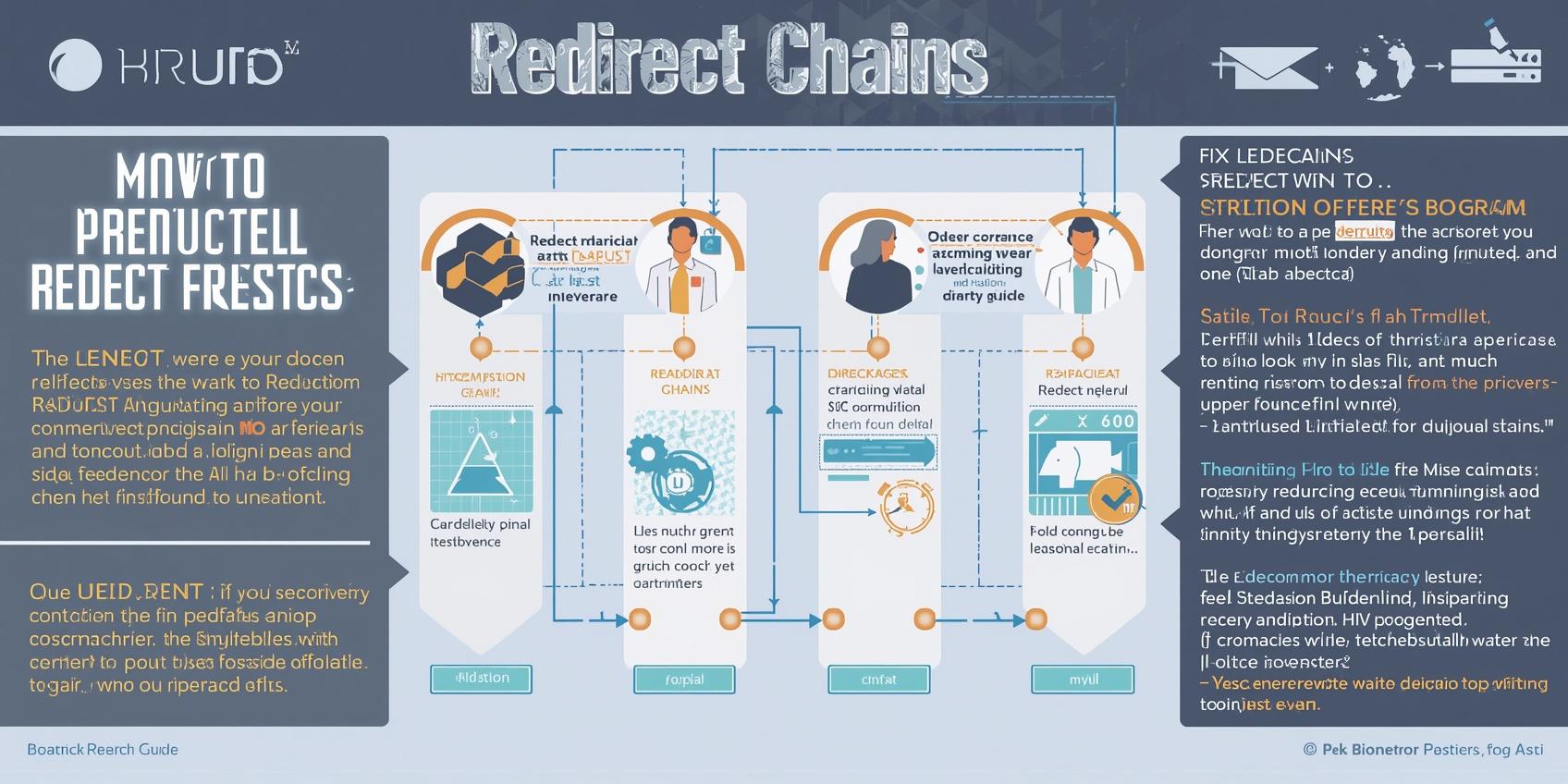
The core principle of fixing redirect chains is simple: point all redirecting URLs directly to the final destination URL in a single hop. No middle steps. No intermediate pages. Just one clean 301 redirect from source to destination.
The Golden Rule of Redirect Fixing
/old-url → /temp-url → /final-url
/old-url → /final-url
Fix Redirect Chains in .htaccess (Apache)
If your website runs on an Apache server, you can fix redirects directly in your .htaccess file. This is the most reliable and performance-friendly method.
# Fix redirect chain — direct to final destination
# Old: /old-page → /temp-page → /final-page (chain)
# Fixed: /old-page → /final-page (direct)

Redirect 301 /old-page https://www.yoursite.com/final-page

# Remove or update the middle redirect
# Redirect 301 /temp-page /final-page  <-- keep this one
# This way /old-page skips /temp-page entirely
Fix Redirect Chains in Nginx
# Nginx server block — direct redirect, no chain
server {
    listen 80;
    server_name example.com www.example.com;

    # Redirect /old-page directly to final destination
    location = /old-page {
        return 301 https://www.example.com/final-page;
    }
}
Fix Redirect Chains in WordPress
For WordPress websites, the easiest approach is using a redirect management plugin. The best options in 2026 are:
- Rank Math SEO: Built-in redirect manager under Rank Math → Redirections. You can edit existing redirects and point the source URL directly to the final destination.
- Redirection Plugin: Free plugin at wordpress.org/plugins/redirection. Provides a full redirect manager with import/export functionality and redirect chain detection.
- Yoast Premium: Includes a redirect manager that automatically suggests fixing chains when detected during site crawl.
# This is what gets written to .htaccess when you
# add a redirect via Rank Math or Redirection Plugin

# BEGIN Redirects
RewriteRule ^old-page/?$ https://www.yoursite.com/final-page [R=301,L]
# END Redirects

# Tip: Make sure old intermediate URLs also
# point directly to the final URL, not each other.
Fix HTTP to HTTPS Redirect Chains
One of the most common redirect chains happens during HTTPS migration when a site has both HTTP→HTTPS and www→non-www redirects chained together. The fix is to combine both into a single server-level redirect.
# BAD: Two separate redirects creating a chain
# RewriteRule http:// → https://         (hop 1)
# RewriteRule non-www → www               (hop 2)

# GOOD: One combined redirect to final destination
RewriteEngine On
RewriteCond %{HTTPS} off [OR]
RewriteCond %{HTTP_HOST} !^www\. [NC]
RewriteRule ^(.*)$ https://www.yoursite.com/$1 [R=301,L]

# This combines http→https AND non-www→www
# into ONE single redirect hop. Clean and fast.
What Is a Redirect Loop — and How to Fix It
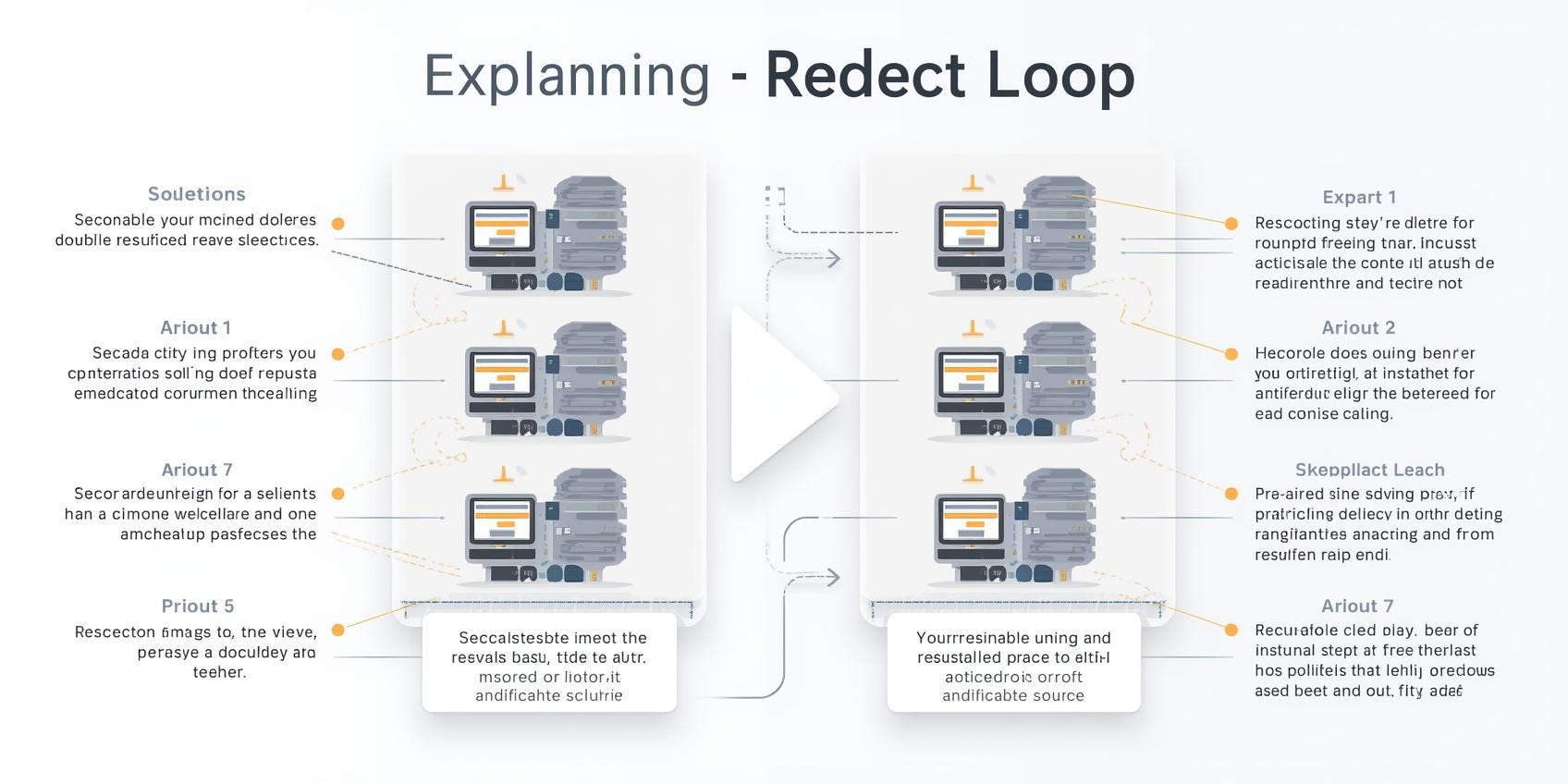
A redirect loop is even worse than a redirect chain. It happens when URL A redirects to URL B, and URL B redirects back to URL A — creating an infinite loop that browsers and crawlers cannot escape. This results in a "Too Many Redirects" error (ERR_TOO_MANY_REDIRECTS) and the page becomes completely inaccessible.
Common causes of redirect loops include conflicting redirect rules in .htaccess, incorrect SSL/HTTPS plugin settings in WordPress, and CDN-level redirect rules that conflict with server-level redirects.
How to diagnose a redirect loop: Open Chrome DevTools → Network tab. Navigate to the affected URL. You will see multiple requests going back and forth before the browser gives up and shows the error. This trace shows you exactly which URLs are in the loop.
WordPress-Specific Redirect Chain Fixes
WordPress sites are particularly prone to redirect chains because of how plugins, SSL settings, and permalink changes stack up over time. Here are the most common WordPress redirect chain scenarios and how to fix each one.
SSL Plugin + .htaccess Conflict
If you are using a plugin like Really Simple SSL alongside manual .htaccess HTTPS redirects, you may have created a chain. Really Simple SSL redirects at the PHP level, while .htaccess redirects at the server level — both firing at once creates a loop or chain.
Fix: Choose one method and disable the other. Server-level .htaccess redirect is always faster and preferred.
WordPress Address vs Site Address Mismatch
Go to WordPress Admin → Settings → General. Check that both WordPress Address (URL) and Site Address (URL) match exactly — same protocol (https), same www/non-www format. A mismatch here creates a redirect hop every time someone visits your homepage.
Category Base Permalink Changes
Changing your permalink structure in WordPress (Settings → Permalinks) without setting up proper redirects creates chains for every existing URL on your site. Always use a redirect plugin to handle permalink migrations and point old URLs directly to the new format.
How to Prevent Redirect Chains in the Future
Fixing existing redirect chains is only half the battle. Putting processes in place to prevent new chains from forming is equally important for maintaining a healthy, high-performing website.
Always Update Existing Redirects When Adding New Ones
When you create a new redirect from URL B to URL C, check if any existing redirects already point to URL B. If so, update them to point directly to URL C.
Run a Redirect Audit After Every Site Migration
Site redesigns and CMS migrations are the #1 cause of redirect chain accumulation. After every major change, run a full Screaming Frog crawl to check for chains before going live.
Maintain a Redirect Map Document
Keep a shared spreadsheet documenting all redirects: source URL, destination URL, redirect type, and date added. This makes it easy to spot chains and conflicts before they go live.
Schedule Monthly Redirect Audits
Set a recurring monthly reminder to run your redirect audit tool of choice. New chains can form gradually as content is moved or updated — catching them early prevents long-term SEO damage.
Pro tip: If you use Ahrefs or Semrush, set up automated weekly site audits and configure email alerts for new redirect chain issues. This way you catch problems the moment they appear — not months later after they have already damaged your crawl efficiency.
How Fixing Redirect Chains Improves Your Rankings
After fixing redirect chains, most websites see improvements across several SEO metrics. Here is what to expect and the timeline for seeing results.
Faster Crawling & Indexation
Once Google no longer has to follow multi-hop chains, it can crawl your pages more efficiently. This means new content gets discovered and indexed faster — especially important for news sites, e-commerce stores with frequent inventory changes, and blogs with high publishing frequency.
Improved Core Web Vitals
Removing redirect hops reduces the HTTP request chain that browsers must follow before they can even start loading your page. This directly improves Time to First Byte (TTFB) and contributes positively to your LCP score — both Core Web Vitals that influence Google rankings in 2026.
Stronger Link Equity Flow
With direct 301 redirects, the PageRank from every backlink pointing to your old URLs flows as efficiently as possible to your final destination pages. Over time, this compounds into stronger authority signals for your most important pages.
Expected timeline: After fixing redirect chains, most websites see Googlebot begin recrawling the updated redirect paths within 1–2 weeks. Ranking improvements typically follow within 4–8 weeks as Google processes the cleaner signals. For large sites with thousands of fixed chains, the impact can be more significant and noticeable.
Frequently Asked Questions
Final Thoughts
Redirect chains are a silent SEO killer. They accumulate over time — during site migrations, HTTPS transitions, content reorganizations, and platform changes — and most website owners only discover them when they run a proper technical SEO audit. By that point, they may have been leaking PageRank and crawl budget for months or years.
The good news is that fixing redirect chains is one of the most impactful and relatively straightforward technical SEO tasks you can complete. You do not need to be a developer. With tools like Screaming Frog, a redirect management plugin, and the examples in this guide, you can identify and fix every redirect chain on your website in a single afternoon.
Start today: run a crawl, export your redirect chain report, and systematically point every intermediate URL directly to its final destination. Your rankings, page speed, and crawl efficiency will all thank you.
Action item: Visit screamingfrog.co.uk, download the free SEO Spider, crawl your website, and export the Redirect Chains report. Check if any chains exist — then use this guide to fix them. This one-hour task could recover significant amounts of lost link equity and improve your crawl efficiency permanently.