What Is Google Trends and Why Should You Use It?
Google Trends is a free, publicly available tool from Google that shows the relative popularity of search queries over time, across different regions, and in various categories. Unlike Google Autocomplete — which shows you what people are searching for right now — Google Trends reveals how search interest changes over days, months, and years. It is like having a time machine for keyword research that shows you what was popular, what is rising, and what is declining.
For SEO professionals and content creators, Google Trends serves multiple critical functions. It helps you identify seasonal content opportunities months before they peak, compare the popularity of competing keywords to prioritize your efforts, discover regional search patterns for local SEO, and spot breakout topics before your competitors do. Best of all, the data comes directly from Google's own search logs — making it one of the most reliable sources of search intelligence available at any price, let alone free.
Unlike traditional keyword tools that show estimated monthly search volumes as a number, Google Trends displays data as a relative interest score from 0 to 100. A score of 100 represents the peak popularity for that term during the selected time period. This relative approach is actually more useful for trend analysis because it shows you the direction and intensity of interest — not just a static snapshot.
Key distinction: Google Trends does not show absolute search volume (how many searches). It shows relative interest (how popular something is compared to its own peak). A score of 50 means the term is half as popular as its highest point — not that it received 50 searches. This makes it perfect for trend comparison but less useful for traffic estimation.
Getting Started — Navigating the Google Trends Dashboard
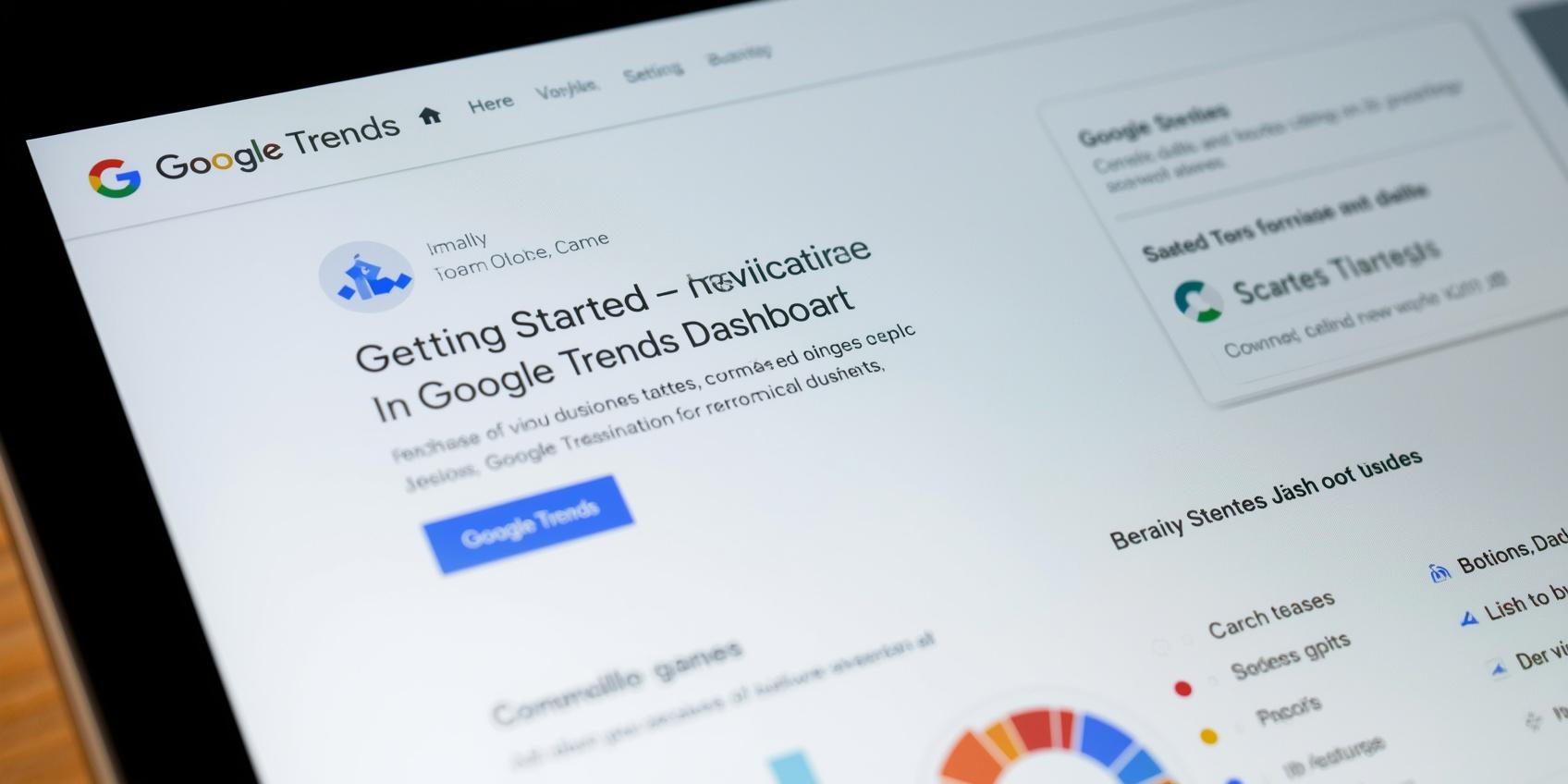
Before diving into advanced techniques, let us familiarize ourselves with the core features of the Google Trends interface. The tool is accessible at trends.google.com and requires no sign-up or account. Here are the main sections you will use:
- Explore: The main search bar where you enter topics or search terms. This is where most of your keyword research will happen. You can enter up to five terms simultaneously to compare their popularity side by side.
- Time Range: Filters results by time period — past hour, past day, past week, past month, past year, past 5 years, or a custom date range going back to 2004. This is essential for identifying seasonal patterns and long-term trends.
- Geographic Filter: Narrows results to a specific country, region, or city. Invaluable for local SEO keyword research and understanding which markets have the highest demand for your topic.
- Category Filter: Restricts results to a specific topic category like Health, Technology, Sports, or Finance. This helps eliminate irrelevant data — for example, "apple" as a fruit versus "apple" as a technology company.
- Related Topics & Queries: Two panels at the bottom of every results page showing terms that are frequently searched alongside your topic. The "Rising" tab shows breakout terms with the largest increase in search interest — perfect for finding trending keywords.
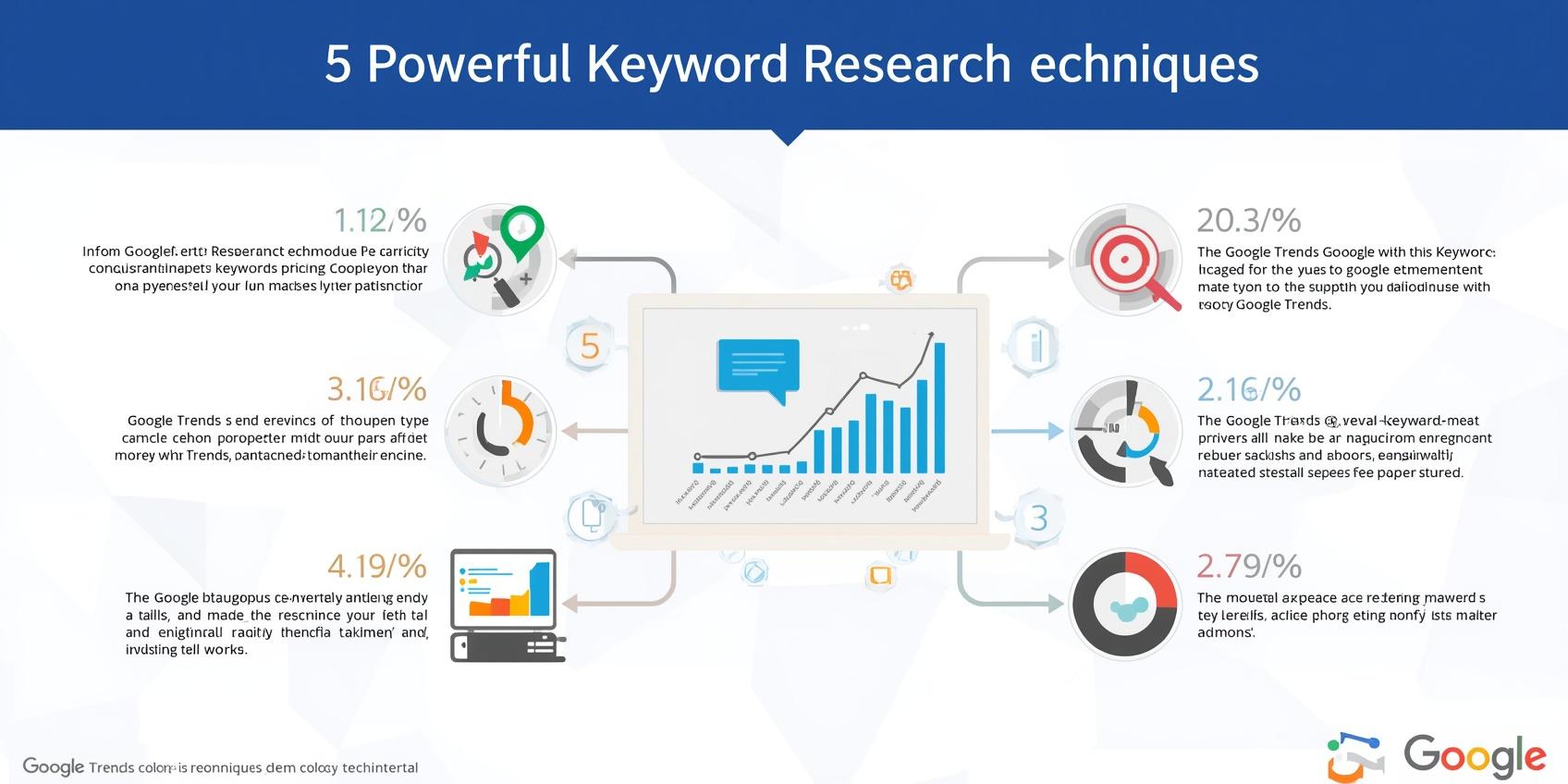
5 Powerful Keyword Research Techniques Using Google Trends
Compare Multiple Keywords to Choose the Best One
Enter up to five related keywords in the Explore bar separated by commas. Google Trends will overlay all five on a single chart, making it instantly clear which term has the highest search interest. Use this to decide which keyword variation to target in your content. For example, comparing "SEO tips," "SEO guide," "SEO tutorial," and "SEO basics" reveals which phrase people actually search for most.
Identify Seasonal Keywords for Content Planning
Set the time range to "Past 5 years" and look for repeating patterns. Keywords like "Christmas gifts," "tax filing," "back to school," and "summer workout" spike predictably at the same time each year. By identifying these patterns, you can plan content 2-3 months before the peak and give Google enough time to index and rank your pages before search interest surges.
Discover Regional Keyword Demand for Local SEO
Use the geographic filter to see which countries, states, or cities show the highest interest for your keyword. This is invaluable for local businesses and content targeting specific regions. A keyword might be declining nationally but rising rapidly in a particular state — revealing an untapped content opportunity that broad-market competitors might miss.
Mine Related Queries for Long-Tail Keywords
Scroll down to the "Related queries" panel and switch to the "Rising" tab. These are search terms experiencing significant growth in interest — often newly emerging topics with low competition. Export this list regularly for your niche to build a content calendar around rising trends before keyword tools even register their existence.
Validate Keyword Ideas Before Investing in Content
Before spending hours writing a blog post targeting a specific keyword, check its trend on Google Trends. If the interest line is steadily declining over 5 years, it may not be worth the investment — even if traditional keyword tools show decent search volume. Conversely, a keyword with a steadily rising trend line is worth prioritizing even if current volume appears modest.
Pro tip: Use the "Rising" related queries for content ideation, not the "Top" queries. "Top" shows consistently popular terms (which are often highly competitive), while "Rising" reveals emerging opportunities that established competitors may not have noticed yet. These breakout terms are where beginners can gain a foothold.
How to Find Seasonal Keywords and Plan Content Around Them?
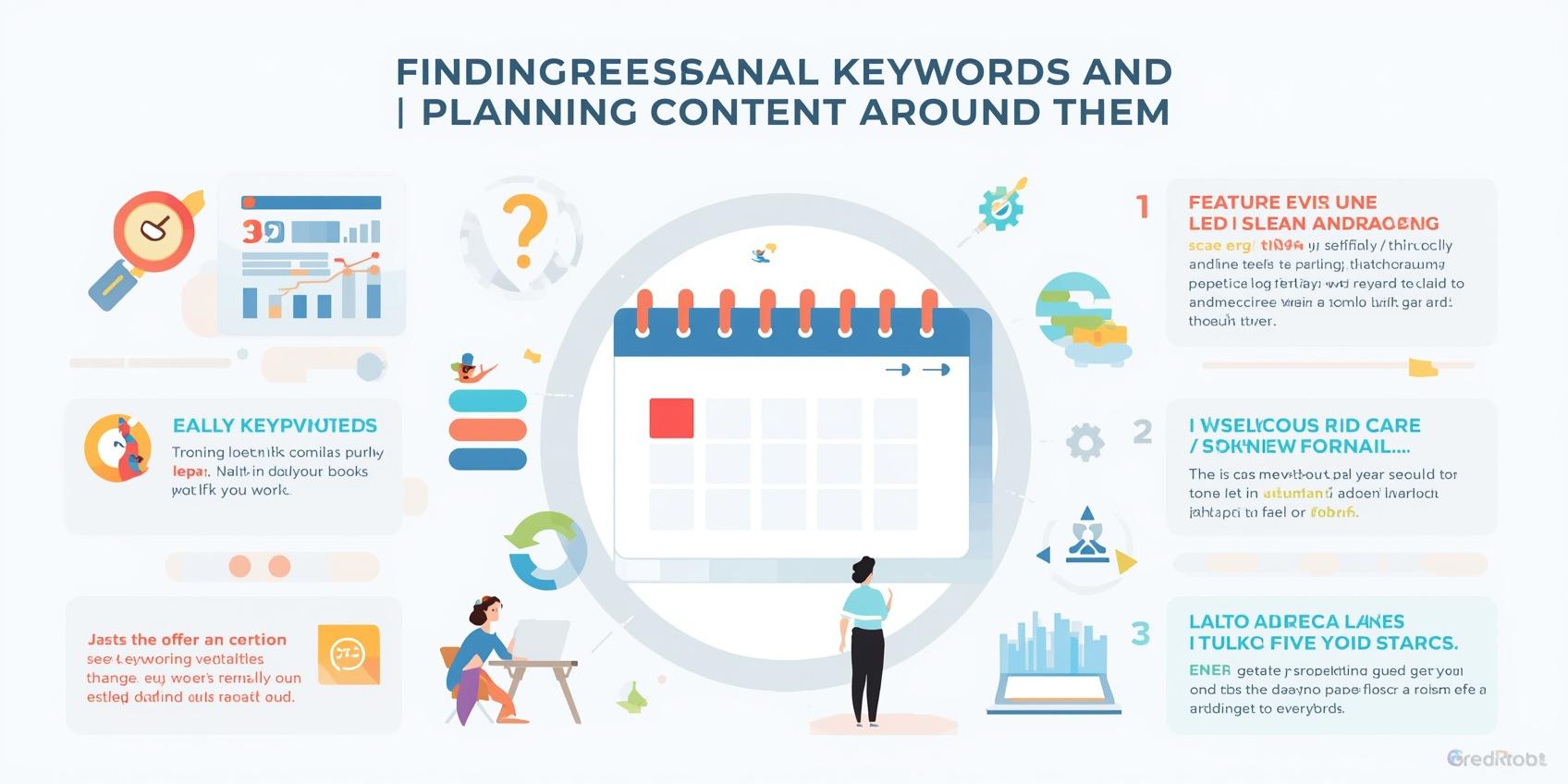
Seasonal keyword research is where Google Trends truly shines. Traditional keyword tools show average monthly search volume, which completely masks seasonal spikes. A keyword like "Halloween costume ideas" might show 10,000 average monthly searches — but that average hides the reality that 90% of those searches happen in October, with near-zero interest for the other 11 months.
Here is a proven process for seasonal content planning using Google Trends:
- Set the time range to "Past 5 years" to see multiple seasonal cycles and confirm the pattern is reliable, not a one-year anomaly.
- Identify the peak month(s) for your seasonal keyword. Most seasonal keywords peak 2-4 weeks before the actual event — people research "Christmas gift ideas" in November, not December 24th.
- Plan content 3 months before the peak. This gives Google enough time to crawl, index, and rank your page before search interest surges. Publishing in October for a December-peaking keyword is too late — you will miss the initial wave of searchers.
- Update and republish seasonal content annually. Rather than creating a new "Christmas gift guide" every year, maintain a single authoritative page and update it with fresh content each season. Google favors established URLs with historical authority.
- Create complementary content for the "shoulder season." For a keyword peaking in December, create supporting content in January ("best after-Christmas sales") and February ("how to use your new gifts") to capture post-peak interest.
Using Google Trends for YouTube Keyword Research
Google Trends includes a powerful but often overlooked feature: the ability to filter searches by platform. By switching from "Web Search" to "YouTube Search" in the filter dropdown, you can see exactly what video topics are trending. This is essential for video content creators and bloggers who embed YouTube videos in their content.
YouTube search data on Google Trends often reveals different patterns than web search. A topic might be declining in web search but exploding on YouTube, indicating that users prefer video content for that particular query. This insight helps you decide whether to create a blog post, a video, or both for maximum visibility across Google's blended search results.
Google Trends vs Paid Keyword Tools — When to Use Each
Google Trends and traditional keyword research tools serve different purposes, and the best SEO strategy uses both in combination. Here is how they compare:
- Google Trends strengths: Identifies trending and seasonal patterns, compares keyword popularity visually, provides geographic interest data, shows related rising queries, and is completely free with no usage limits.
- Paid tool strengths (SEMrush, Ahrefs, etc.): Provides absolute search volume numbers, keyword difficulty scores, competitor keyword analysis, CPC data for paid search, and comprehensive backlink data.
- Best approach: Use Google Trends to identify promising topics and seasonal opportunities. Then use a paid tool to get specific search volumes, analyze competition, and find related long-tail variations. Google Trends finds the "what" and "when" — paid tools provide the "how many" and "how hard."
Technical SEO Considerations for Trend-Based Content
Creating content around Google Trends data requires some technical SEO awareness to maximize results. Here are the key considerations:
- URL Permanence: For seasonal content that you plan to update annually, use a permanent URL without year numbers — like
/christmas-gift-guide/rather than/christmas-gift-guide-2026/. This allows you to update the same page each year and retain all accumulated backlinks and authority. - Publishing Timeline: For seasonal content, publish at least 2-3 months before the expected peak. Use the "Last modified" date in your schema markup to signal freshness when you update annually.
- Internal Linking: Create a hub-and-spoke structure around trending topics. A main pillar page targeting the broad trend should link to and from supporting articles targeting specific long-tail variations discovered through related queries.
- XML Sitemap Priority: For time-sensitive trending content, add the URL to your XML sitemap immediately after publishing and request indexing in Google Search Console to accelerate discovery.
- Schema Markup: For articles targeting trending news or event keywords, consider using NewsArticle schema if applicable. For evergreen trend content, standard Article schema with dateModified tags works well.
Caution: Google Trends shows interest, not volume. A "Breakout" label on a related query means it increased by 5000%+ — but if it went from 1 search to 50, that is technically a breakout. Always validate trending keywords with additional research before building an entire content strategy around them.
Frequently Asked Questions
Final Thoughts
Google Trends is one of the most underutilized free tools in the SEO world. While competitors chase expensive keyword research platforms, you can generate actionable content ideas, identify seasonal opportunities, and validate keyword investments using nothing more than trends.google.com and the techniques described in this guide. The tool's direct connection to Google's own search data gives it a level of authority and accuracy that even premium tools cannot match for trend analysis.
The key to success with Google Trends is using it as part of a broader keyword research workflow — not as a replacement for all other tools, but as a complementary source of unique insights. It answers questions that other tools cannot: Is this keyword growing or dying? Does it have seasonal patterns? Which regions care about it most? What related topics are rising right now? These insights, combined with volume data from keyword tools and performance data from Google Search Console, create a complete keyword research system.
Start today: go to trends.google.com, enter your niche's main topic, set the time range to "Past 5 years," and study the chart. Look for seasonal patterns, compare a few keyword variations, scroll down to related queries, and note the "Rising" terms. Within 15 minutes, you will have content ideas that your competitors — who only look at static keyword volume numbers — will completely miss.
Action item: Open trends.google.com right now. Enter your top 3 target keywords separated by commas. Set the time range to "Past 5 years." Screenshot the comparison chart. Look at which keyword is trending upward versus downward. Then scroll to "Related queries" and switch to "Rising" — pick 3 rising keywords to plan your next blog posts around. This 10-minute exercise will give you a data-driven content roadmap.