Technical SEO
XML Sitemap Guide for Beginners
Learn how to create and submit XML sitemaps to improve crawlability and indexing for your website.
Read Full Guide →Welcome to the most comprehensive Technical SEO Guide on the internet. Whether you're a beginner or a professional, this guide covers everything you need to know. From XML sitemaps, robots.txt, canonical tags, and Core Web Vitals to schema markup, website speed, and mobile SEO — this is your complete Technical SEO optimization resource. Use this as your Technical SEO checklist and audit guide to optimize your website for better search visibility.
Technical SEO refers to the process of optimizing your website's infrastructure so that search engines can effectively crawl, index, and render your pages. Unlike On-Page SEO which focuses on content and keywords, Technical SEO deals with the backend elements of your site — the technical foundation that determines how search engines interact with your website.
Think of Technical SEO as the plumbing of your website. If the plumbing is broken, no matter how great your content is, search engines won't be able to access it properly. Technical SEO ensures that search engine bots can navigate your site, understand your content, and deliver it to users who are searching for it.
Key takeaway: Without proper Technical SEO, even the best content won't rank. It's the foundation upon which all other SEO efforts are built.
Technical SEO is critical for several reasons. First, it directly impacts your website's visibility in search results. If search engines can't crawl or index your pages, they won't appear in search results — no matter how relevant your content is.
Second, Technical SEO affects user experience (UX). Factors like page speed, mobile responsiveness, and secure connections (HTTPS) are not just ranking factors — they're expectations that users have. A slow, unsecured, or non-mobile-friendly site will drive users away, increasing bounce rates and hurting your rankings.
Finally, Technical SEO helps you manage your crawl budget — the number of pages search engines will crawl on your site. By optimizing your site structure, fixing broken links, and using tools like robots.txt and XML sitemaps, you can ensure that search engines focus their resources on your most important pages.
Why it matters: Technical SEO is the difference between a website that ranks and one that doesn't. It's the backbone of your entire SEO strategy.
Here are the most important elements of Technical SEO that every website owner should understand and implement:
Crawling is the process by which search engine bots (like Googlebot) discover new and updated pages on your website. Indexing is the process of storing and organizing those pages in the search engine's database. Without proper crawling and indexing, your pages won't appear in search results.
To improve crawling and indexing, you should create an XML sitemap that lists all your important pages and submit it to Google Search Console. You should also optimize your robots.txt file to tell search engines which pages to crawl and which to avoid.
Site speed is a direct ranking factor. Google's Core Web Vitals — Largest Contentful Paint (LCP), First Input Delay (FID), and Cumulative Layout Shift (CLS) — measure user experience in terms of loading performance, interactivity, and visual stability.
To improve site speed, optimize images, leverage browser caching, use a Content Delivery Network (CDN), and minimize JavaScript and CSS files. Tools like Google PageSpeed Insights and GTmetrix can help you identify areas for improvement.
With mobile-first indexing, Google primarily uses the mobile version of your site for indexing and ranking. If your site isn't mobile-friendly, you'll lose rankings. Ensure your site uses responsive design, has readable text without zooming, and has tap-friendly buttons and links.
Use Google's Mobile-Friendly Test to check if your site meets mobile standards. If not, work with your developer to implement responsive design improvements.
Schema markup is code that you add to your website to help search engines understand your content better. It enables rich snippets — enhanced search results that include reviews, ratings, FAQs, product information, and more. Rich snippets improve click-through rates (CTR) and make your listings stand out in search results.
Implement schema markup for articles, products, reviews, FAQs, local businesses, and events using JSON-LD format, which is Google's recommended method.
HTTPS is a ranking signal and a security requirement. It encrypts data between your website and users, protecting sensitive information like passwords and payment details. Google Chrome also marks HTTP sites as "Not Secure," which can scare users away.
To implement HTTPS, purchase an SSL certificate and install it on your server. Then, update your site's internal links to use HTTPS and set up 301 redirects from HTTP to HTTPS.
Canonical tags tell search engines which version of a page is the original or "master" version. They prevent duplicate content issues that can dilute your ranking signals. Use canonical tags when you have multiple URLs that display similar or identical content.
301 redirects are permanent redirects that pass link equity (ranking power) from the old URL to the new one. 302 redirects are temporary and don't pass link equity. Use 301 redirects when you've permanently moved a page to a new URL.
An XML sitemap is a file that lists all the important pages on your website, helping search engines discover and index them. A robots.txt file tells search engines which pages to crawl and which to avoid. Both are essential for managing your crawl budget and ensuring search engines focus on your most important content.
Use this Technical SEO checklist to ensure your website is fully optimized:
Explore our most important Technical SEO articles with in-depth guides and actionable tips.
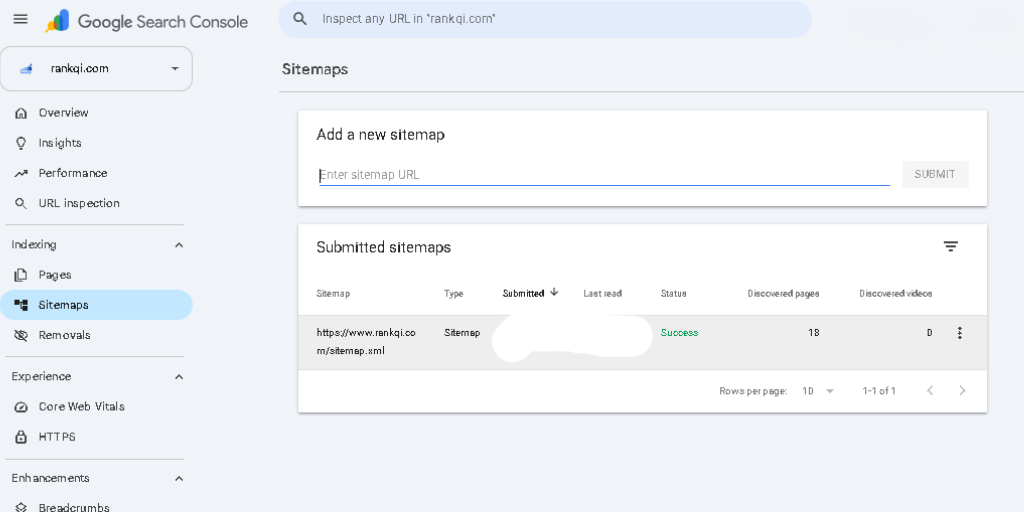
Learn how to create and submit XML sitemaps to improve crawlability and indexing for your website.
Read Full Guide →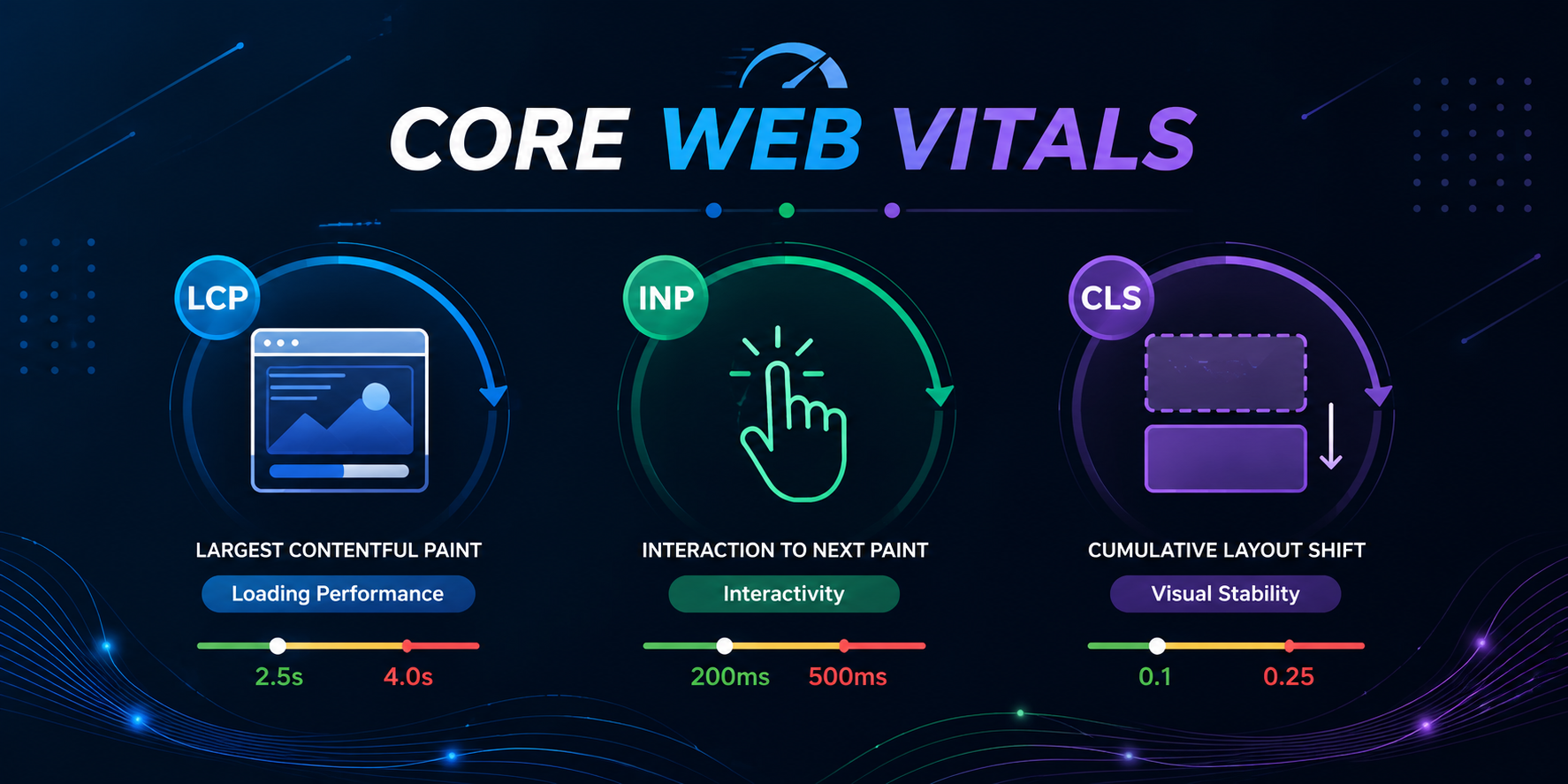
Understand LCP, FID, and CLS — the ranking factors that measure user experience and site performance.
Read Full Guide →
Implement structured data to get rich snippets and improve your click-through rates in search results.
Read Full Guide →
Optimize your website for mobile-first indexing and ensure a seamless experience on all devices.
Read Full Guide →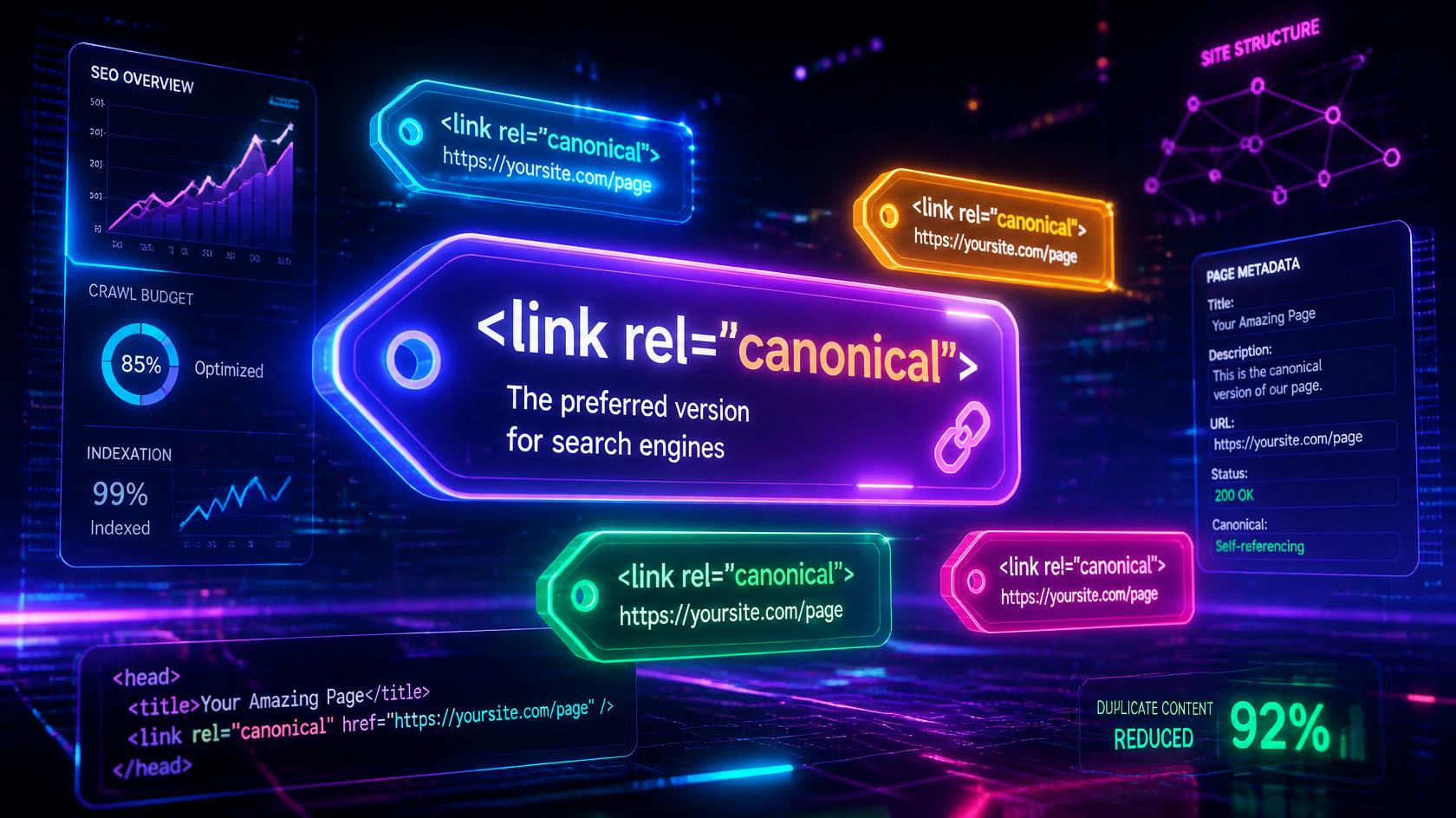
Learn how to use canonical tags to prevent duplicate content issues and consolidate ranking signals.
Read Full Guide →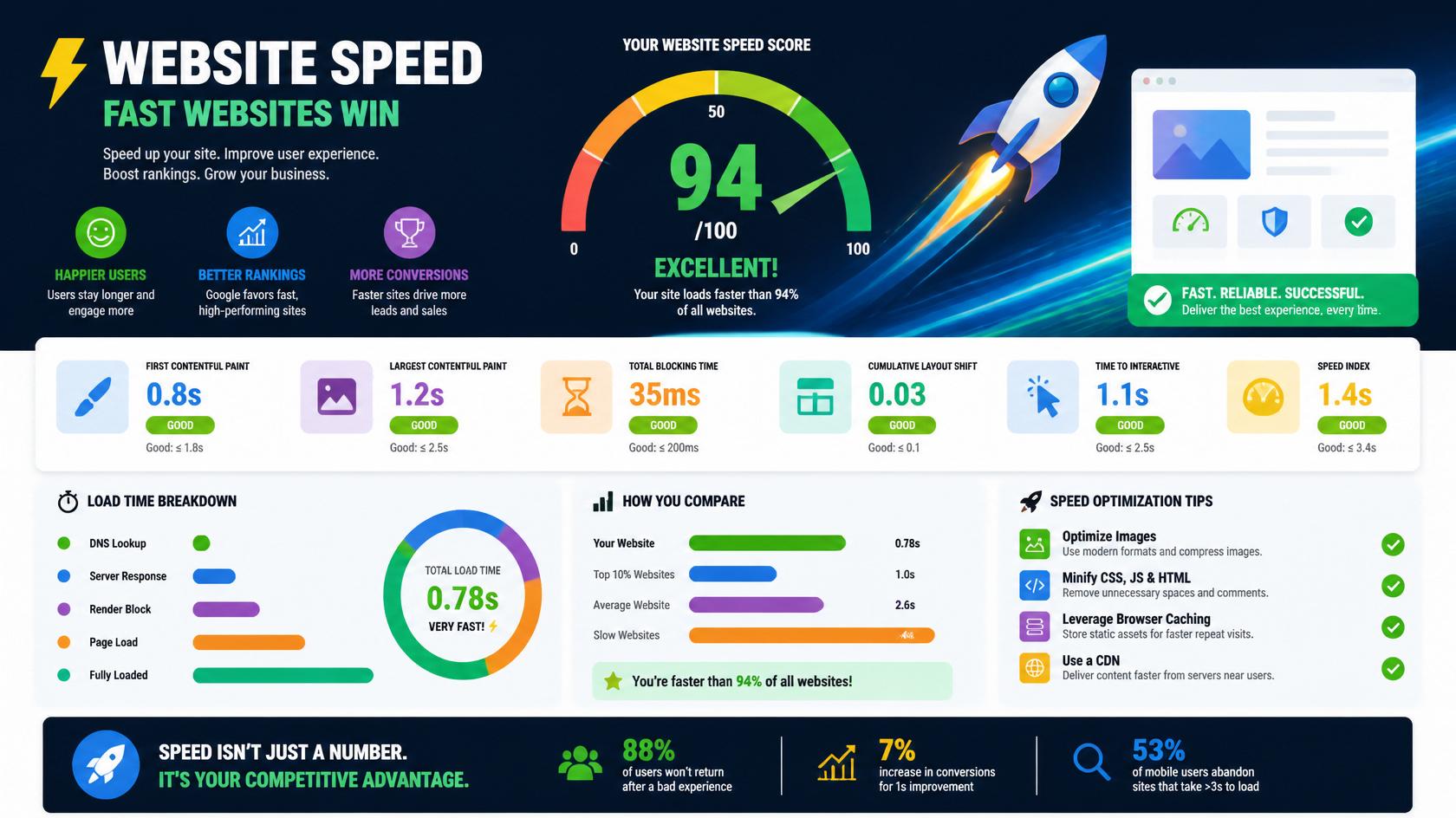
Discover proven techniques to improve your site speed and boost your search engine rankings.
Read Full Guide →Quick answers to the most common Technical SEO questions.
Technical SEO is the practice of optimizing your website's infrastructure to help search engines crawl, index, and render your pages effectively. It includes site speed, mobile-friendliness, XML sitemaps, robots.txt, canonical tags, structured data, and more.
Technical SEO is important because it ensures search engines can access, crawl, and index your content. It directly impacts Core Web Vitals, user experience, and overall search visibility. Without it, your rankings will suffer.
Improve Technical SEO by optimizing XML sitemaps, robots.txt, Core Web Vitals, mobile-friendliness, implementing HTTPS, adding schema markup, fixing broken links, and ensuring fast loading speed. Use tools like Google Search Console and PageSpeed Insights.
Technical SEO focuses on website infrastructure — crawlability, speed, security, and indexability. On-Page SEO focuses on content and HTML elements like title tags, headings, and keyword optimization. Both are essential for ranking well.
A Technical SEO audit is a comprehensive review of your website's technical health. It identifies issues with crawling, indexing, site speed, mobile-friendliness, security, and more. Regular audits help you find and fix problems that could be hurting your rankings.
Explore all our Technical SEO tutorials and start improving your site today.
Explore All Technical SEO Guides →